Crew codes, not accounts
Share a 6-character code. Volunteers enter it with their first name and start scanning. Codes expire after the event.
 Shake-on
Your crew checks guests in with the phones they already have. Scan the ticket, confirm the guest and print the badge, with nothing to install and no accounts to hand out.
Free for up to 50 guests. Full matchmaking included.
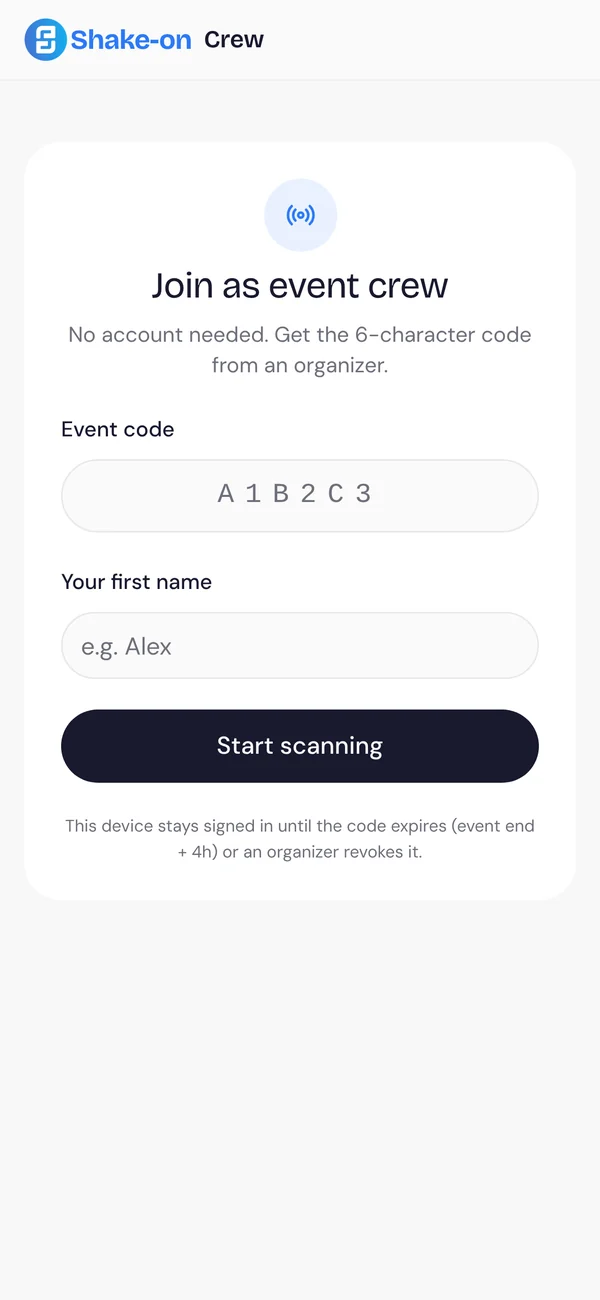
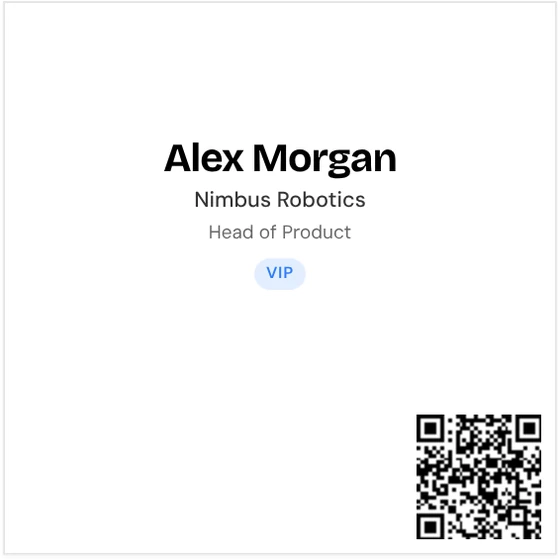
Volunteers join with a code, scan tickets and print badges. You keep control of every device.
Share a 6-character code. Volunteers enter it with their first name and start scanning. Codes expire after the event.
Point the phone at the guest’s ticket QR code to check them in. Sessions can be checked in the same way.
Stickers, 4×6 and 3×4 badges or a custom size, for label and badge printers such as Brother QL and Zebra.
Watch check-ins come in while the doors are open.
See every signed-in device and who is using it. Revoke a code or a single device in one click.
Each device shows the volunteer’s name, their spot and when it was last active.
Signed-in organisers and co-hosts can check guests in from their own device without a code.
Check people into sessions, so session feedback goes to the people who were there.
Turn on badge printing and a Print badge step follows every check-in.
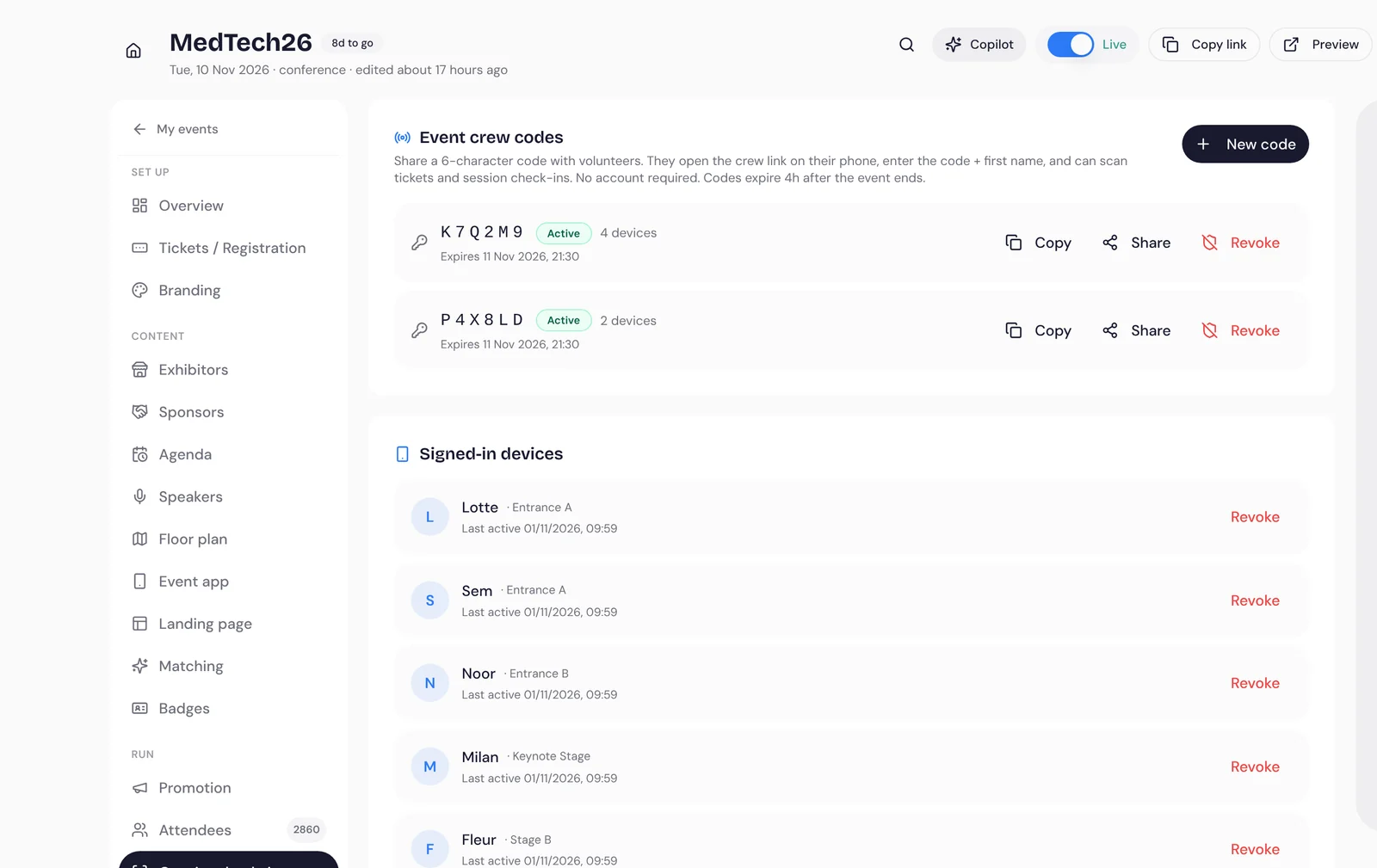
Check-ins feed the report and the feedback that follows.
No. They enter a 6-character event code and their first name. The device stays signed in until the code expires or you revoke it.
Label printers such as Brother QL for stickers, and badge printers such as Zebra for 4×6 and 3×4 badges. A custom size works with any printer.
Guests you import keep their existing ticket as their entry ticket, and you can check them in with Shake-on.
See the Shake-on loop on an event like yours. Thirty minutes, with someone who has organised events.
Book a demo ↗Create an event for up to 50 guests, free, with full matchmaking.
Create your free event ↗Registration is a conversation
Looking for
Offers
Marieke needs a Nordic distributor
 Jonas distributes across Scandinavia
Why you should meet
You need a Nordic distributor. Jonas distributes diagnostics to hospitals across Scandinavia and is looking for new suppliers.
Request meetingMarieke de Ruiter, Jonas LindqvistDay 1 · MedTech Europe
14:20
Shake-onnowRecommended stand
They take medical devices through Nordic registration. That matches your Q1 launch.
Show me the way Rasmus · NordReg Advisory
MedTech Europe 2026
Follow-up draft AI
MedTech Europe 2026 · ResultsMeetings per hour
Where demand beat supply
Invite more distributors next edition.
MedTech Europe 2026 · Exhibitor performanceShake-on · Your event recapShake-on · reading event dataWorking…Sent reminders to 184 registrants who haven't confirmed.
Working…Offered 13:15 meeting slots to 138 guests with open matches.
Working…Send a follow-up to 57 no-shows.